Media
Images, audio and YouTube. In one note.
Drag in an image, drop an audio file or paste a YouTube link. It all sits right inside your note, next to your text.
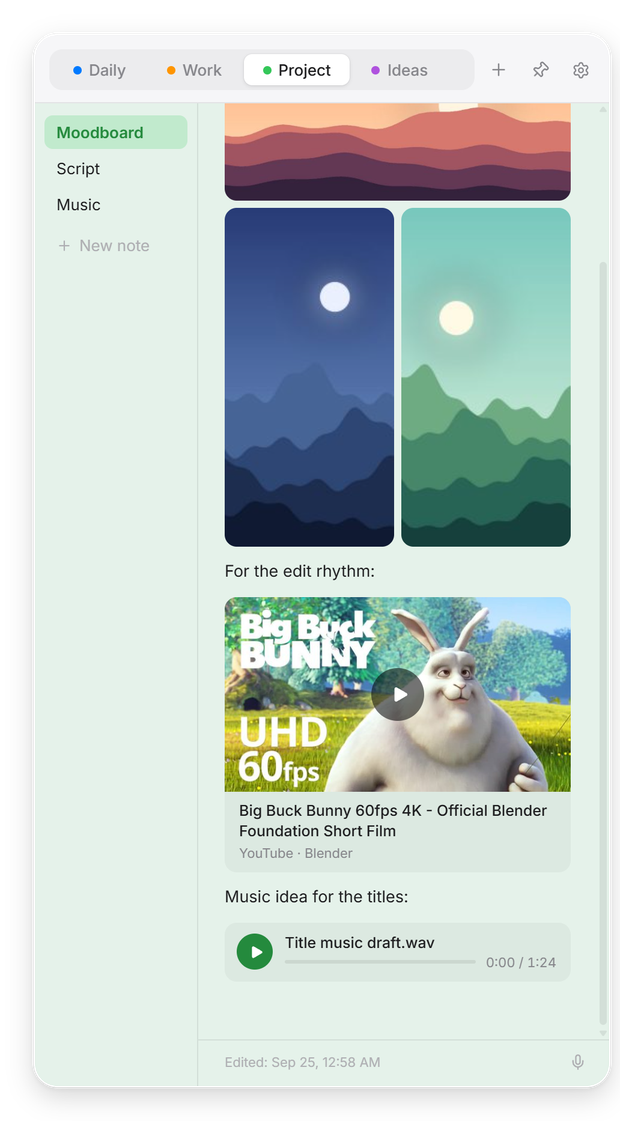
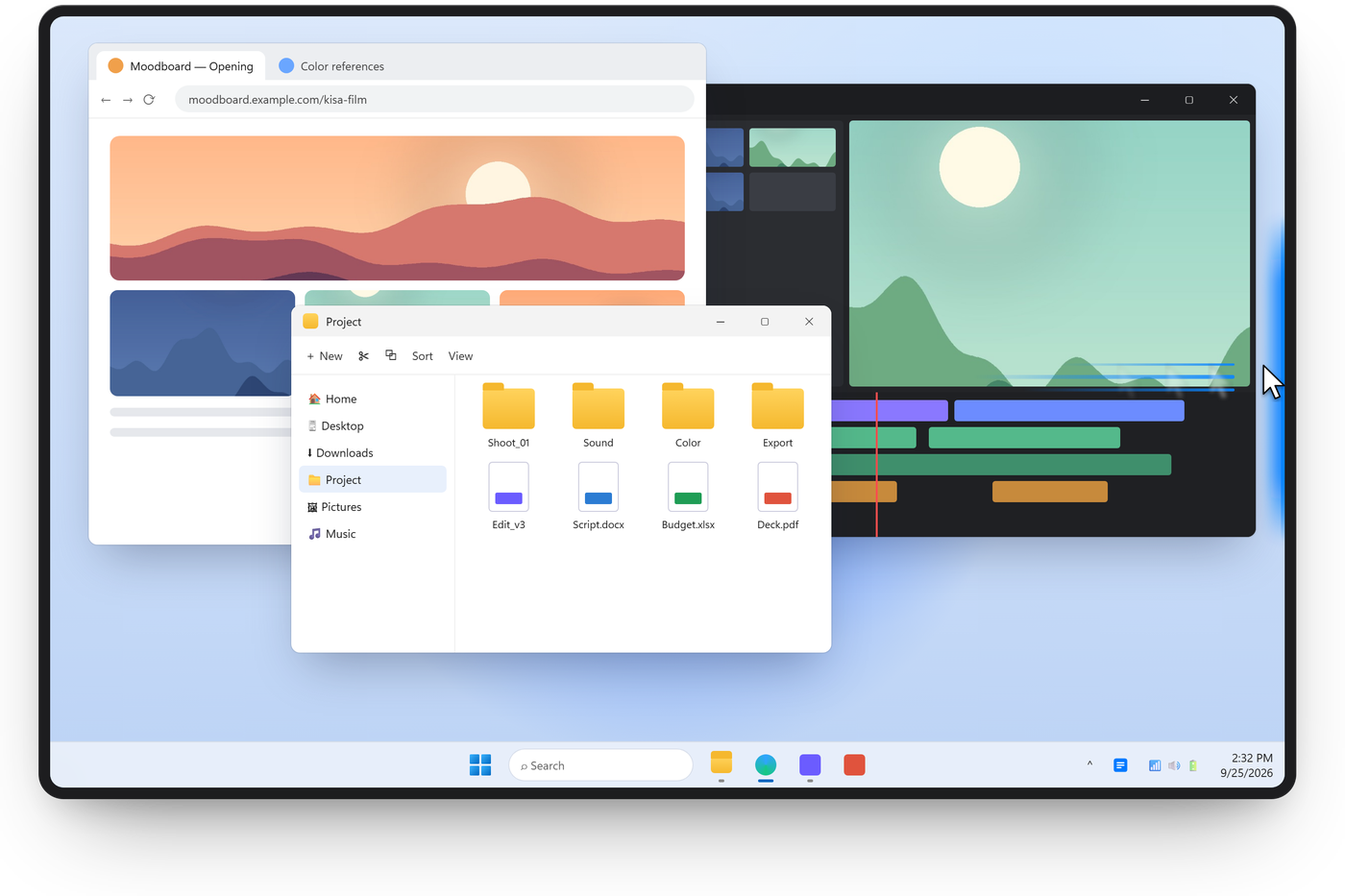
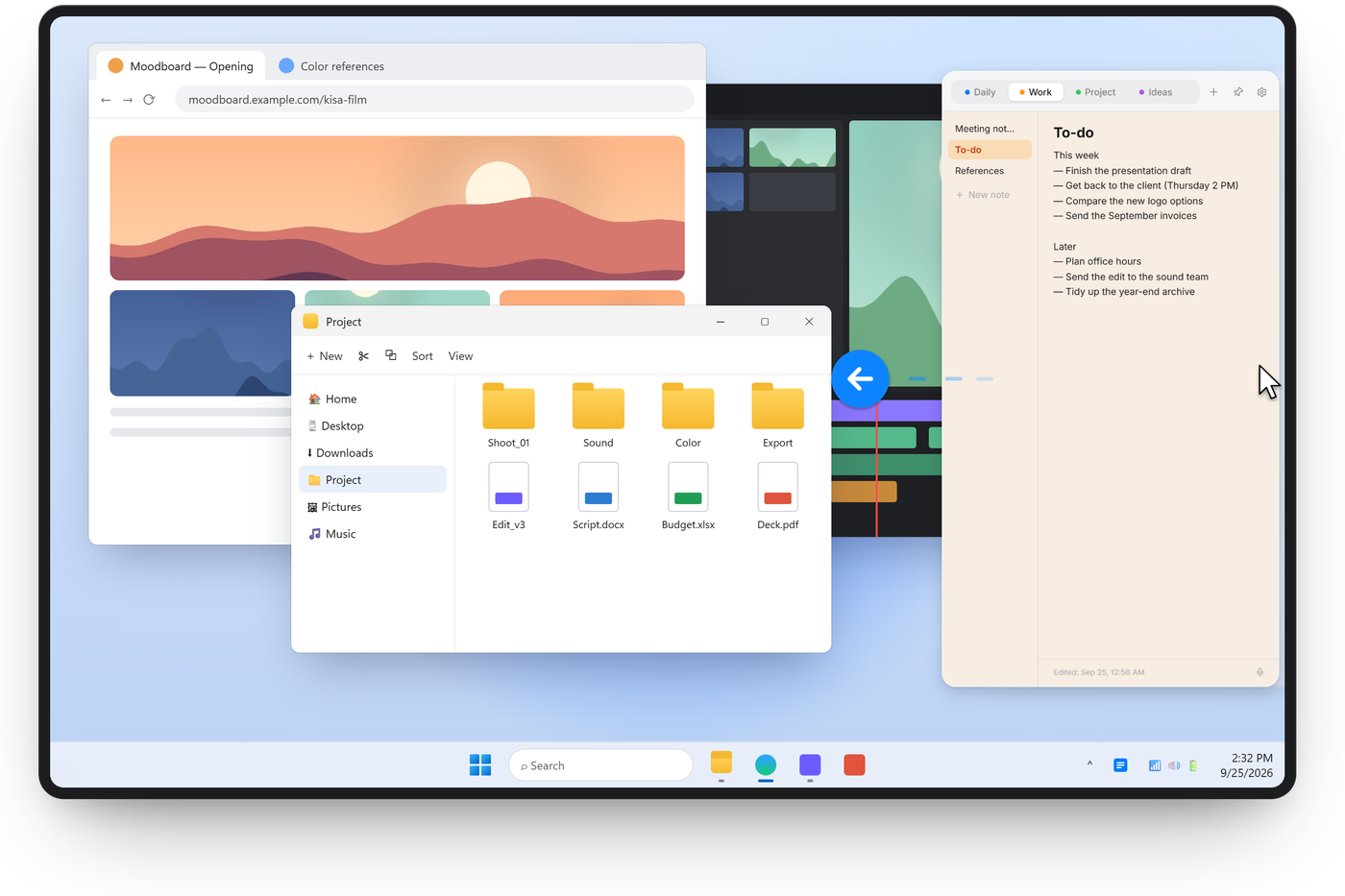
Move your mouse to the right edge of the screen and your notes slide in. Move away and they’re gone. Free for Windows.
Other options: Installer (ZIP) Portable (ZIP, no install) All versions
Sill Note · Free · Windows 10 and 11 · No account
Media
Drag in an image, drop an audio file or paste a YouTube link. It all sits right inside your note, next to your text.
Voice notes
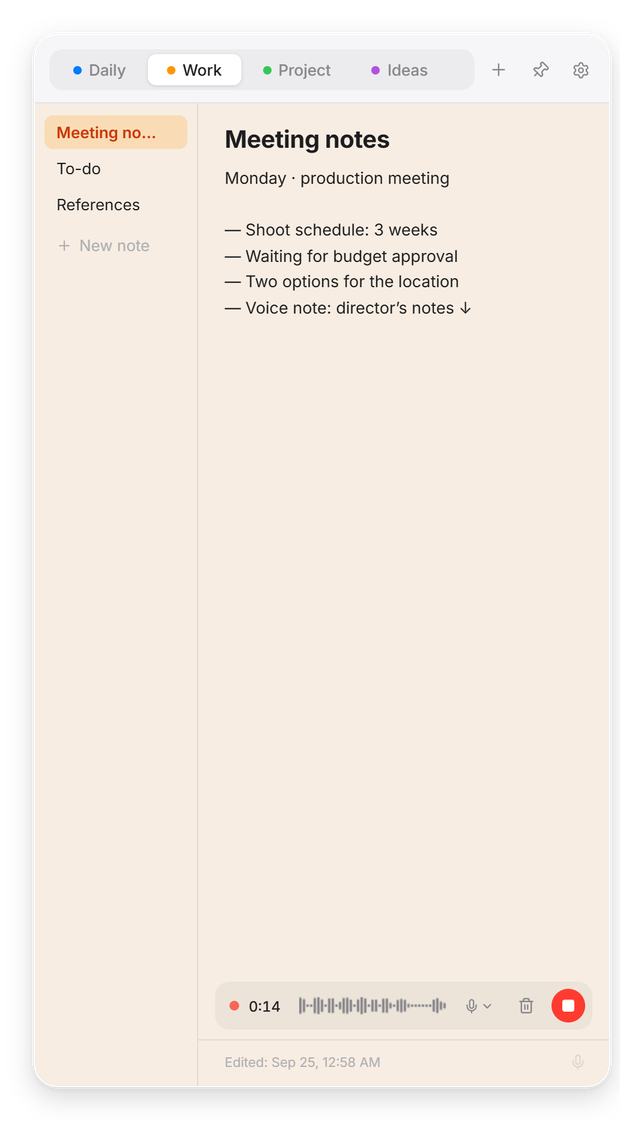
One click starts a voice note with a live waveform. Switch microphones mid-recording. The mic turns off the moment you stop.
Organize
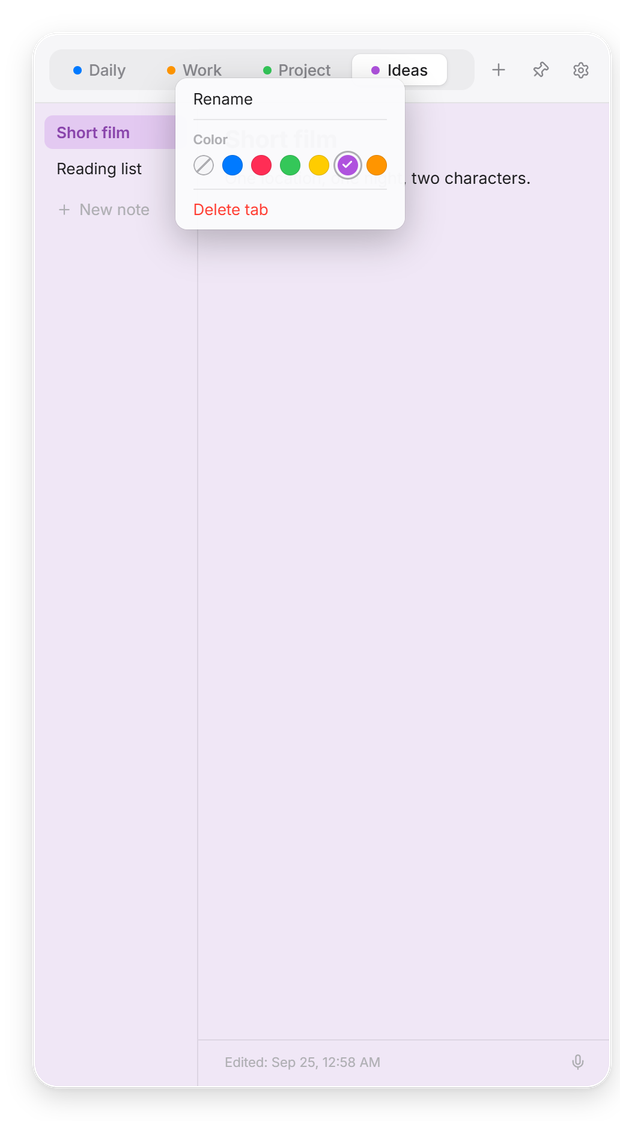
Topics across the top, notes on the left. Color, rename and reorder them. Light and dark themes included.
Privacy
No account, no cloud, no tracking. Everything is stored on your computer. Read the privacy policy.
Languages
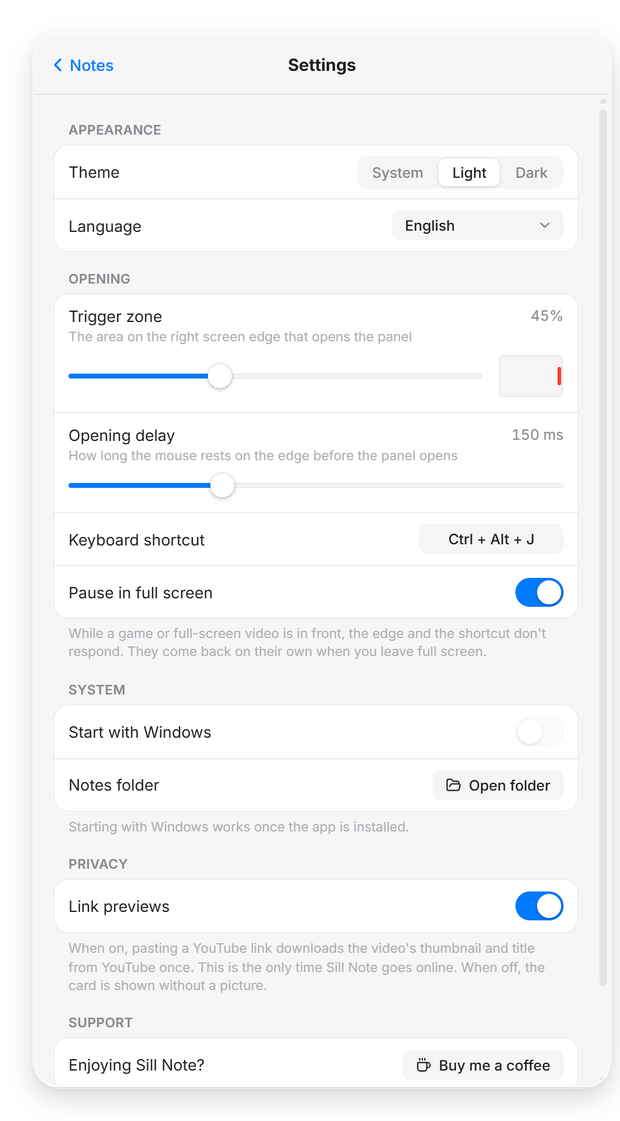
English, Türkçe, Deutsch, Français, Español, Português, Italiano, Русский, 日本語 and 简体中文. Sill Note follows your Windows language automatically.
The direct download isn’t code-signed yet, so Windows warns the first time. Click More info → Run anyway. The upcoming Microsoft Store version is signed by Microsoft and won’t show this.
Rest your mouse on the middle of the right screen edge, or press Ctrl + Alt + N. You can change the shortcut in Settings.
Only when you paste a YouTube link: Sill Note fetches that video’s thumbnail and title once. You can turn this off in Settings → Privacy.
Download for Windows is right for most people: it’s the installer, needs no administrator rights and adds Sill Note to the Start menu. Installer (ZIP) is the same file, compressed — handy if your browser or email service blocks .exe downloads. The portable version needs no installation: unzip it into any folder and double-click Sill.exe. Your notes are stored in the same place with all three.